Flagger
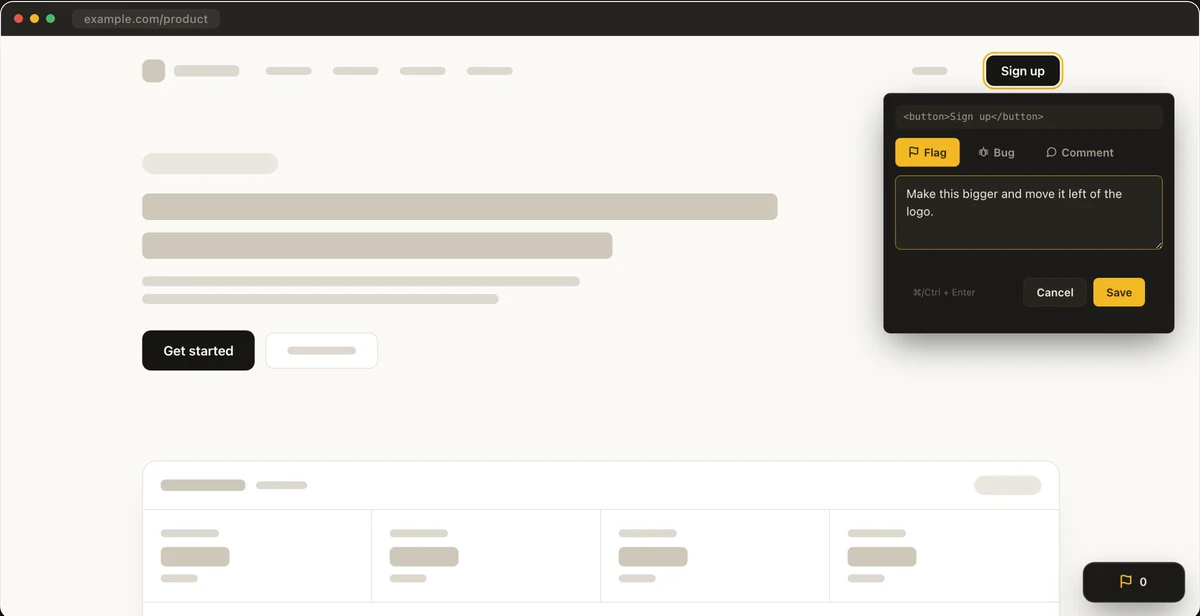
Point at the thing you want changed.
A Chrome extension for flagging elements on any page and handing your AI coding agent a brief it can act on.
- Click any element on the page and say what you want changed.
- Flagger records the selector, component, source file and styles.
- Copy & Exit puts a Markdown brief on your clipboard.